GeoPunch
Livev1.0.0Forget to punch out?
It can't happen.
It clocks you in and out for you.
A geofence around your work address does the clocking. You just go to work.
- iPhone · iOS 15+
- App Store
- Free
Why GeoPunch
You go to work. It keeps time.
Geofenced auto clock-in/out
Set your work address once. Arrive and you're clocked in; leave and you're clocked out. No manual timers, no forgetting to punch out.
German labor-law break math
Break rules aligned to the Arbeitszeitgesetz: nothing under 6 hours, 30 minutes from 6, 45 minutes over 9 — and the measured break wins when it's longer. Implemented and unit-tested.
Manual clock-in for home office
Working from home? Clock in manually — geofence rechecks never override a manual session.
Daily target & progress ring
Set your target hours; a progress circle fills as you work and shows an estimated end time.
History
Every shift with raw time, break and net time, grouped by day, with this-week and this-month totals.
On-device storage
All your shift data stays on your phone. No account, no cloud.
In the app
Designed in Nearfield tokens.
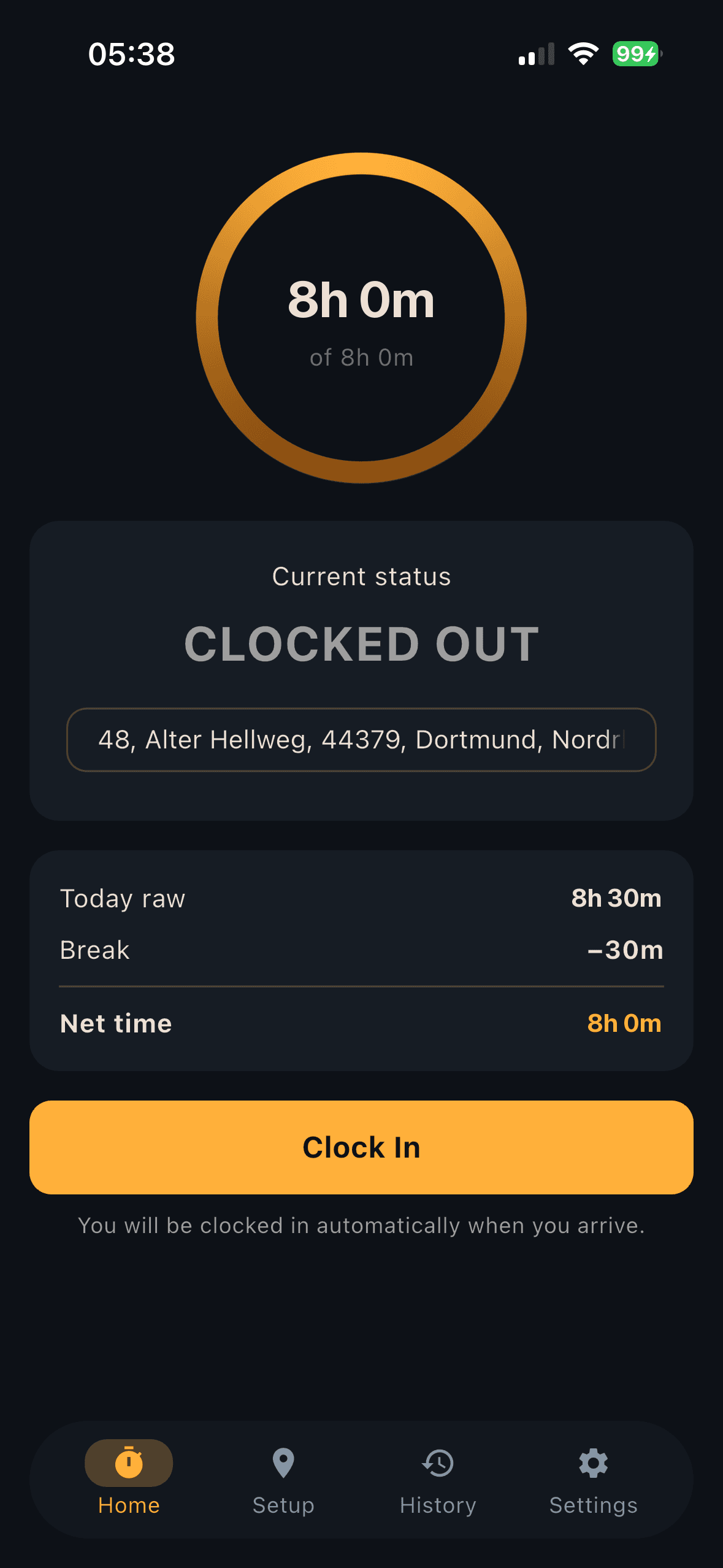
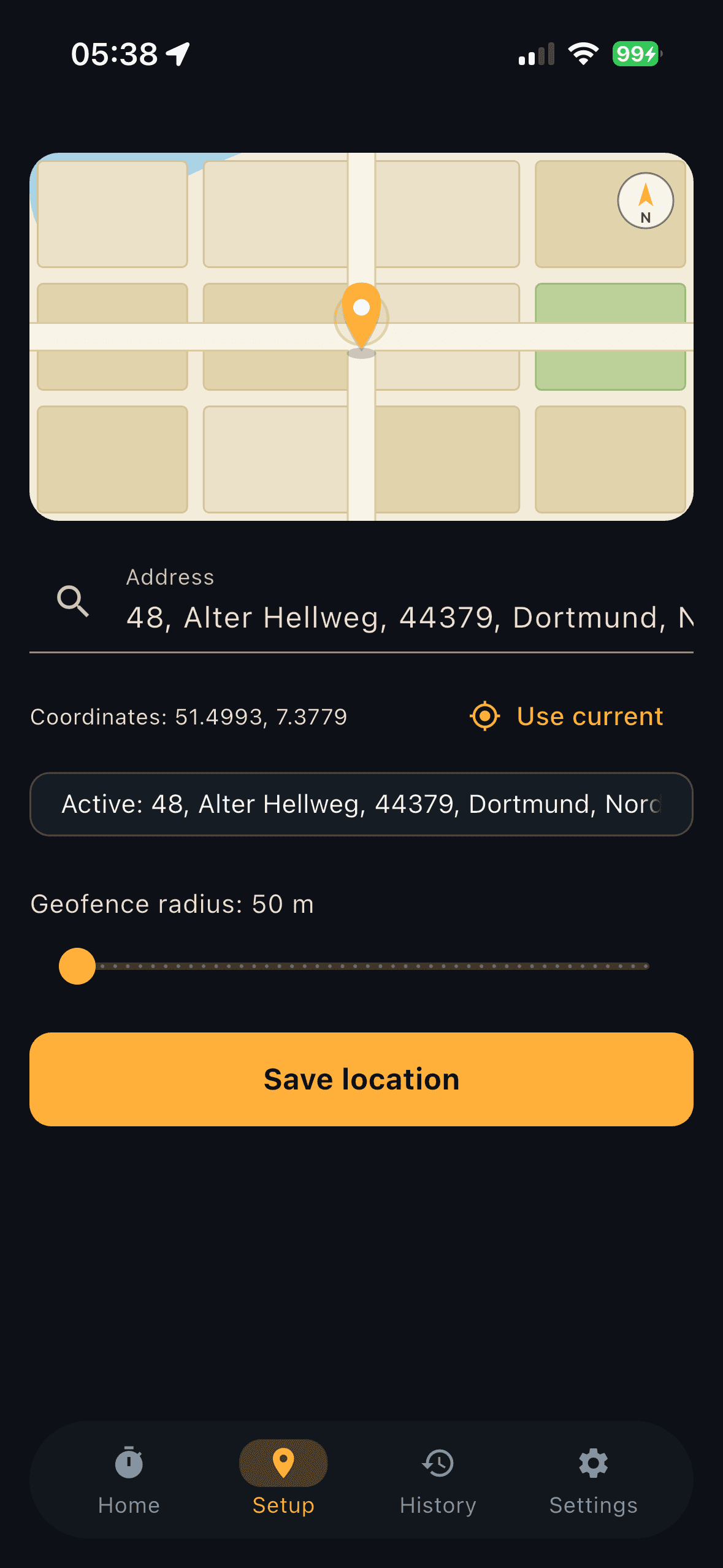
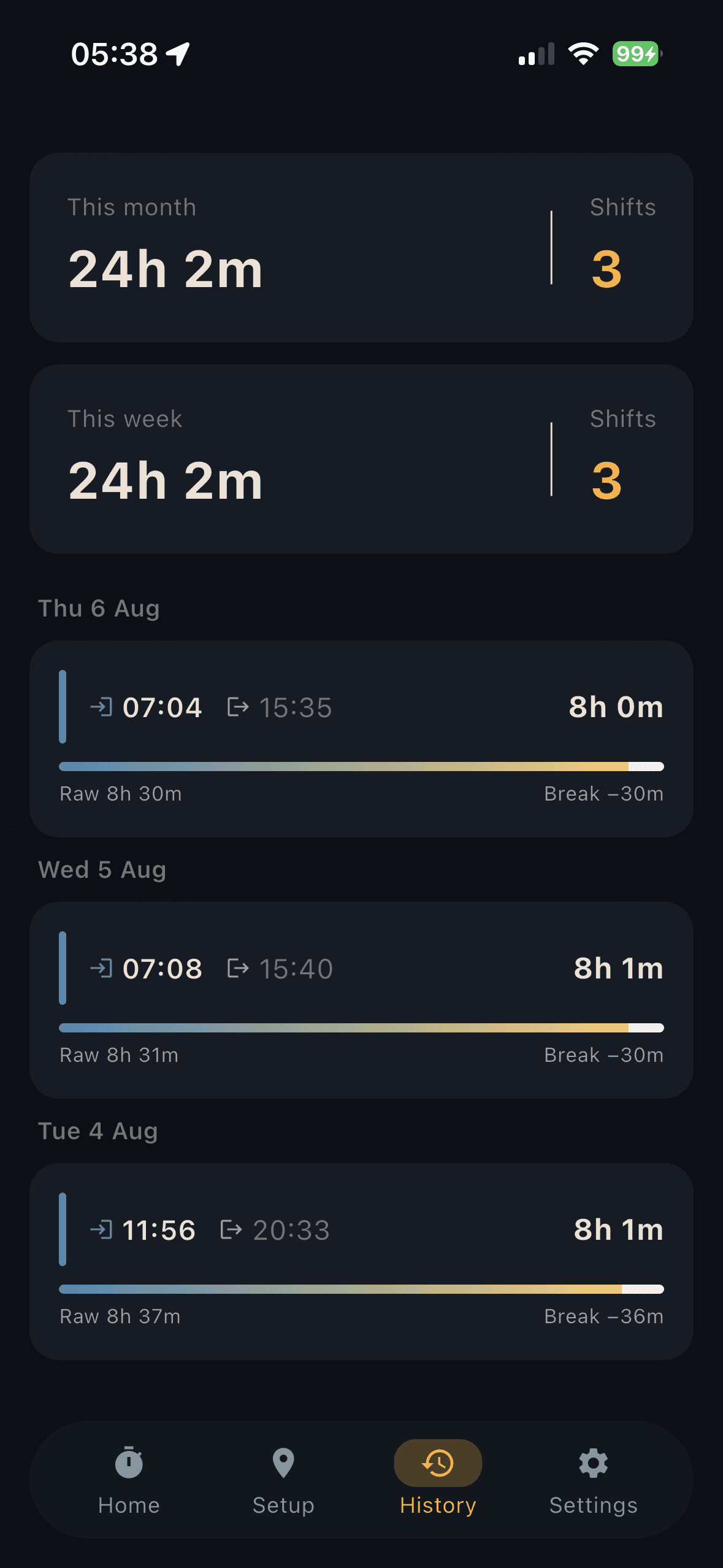
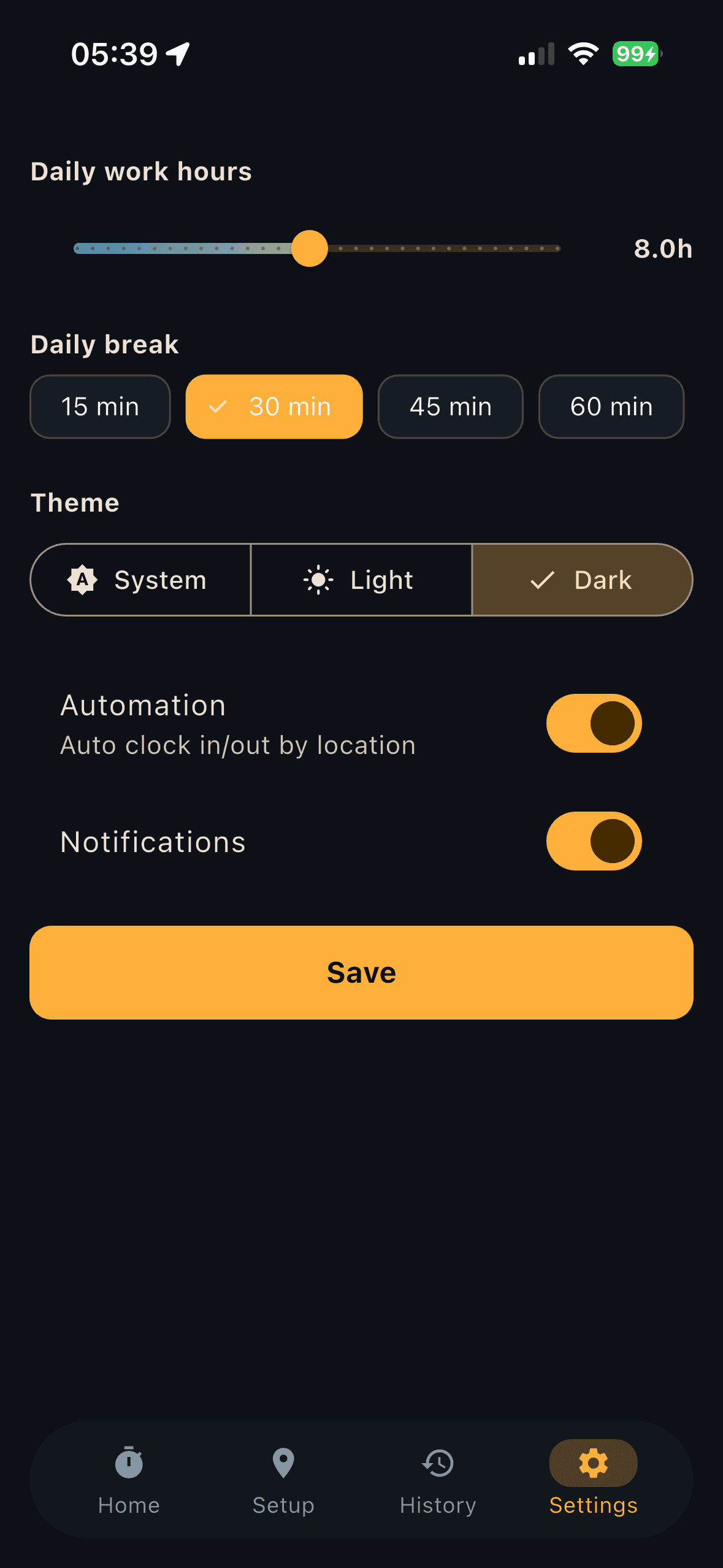
Real screens from GeoPunch on iPhone — the shipped app, in Nearfield's own tokens.
Status
Out now on the App Store.
GeoPunch is live for iPhone — the geofence, the German break math and the history are all in the shipped build.
Accuracy
The honest caveats.
- The address search sends the text you type to an online geocoder (OpenStreetMap). Your clock-in and clock-out data stays on your device.
- iPhone only. There is no Android build, and none is planned.
- Automatic clock-in needs the “Always” location permission. With “While Using the App” everything still works, but you clock in and out by hand.
Also from Nearfield